You can control which releases will be deployed to certain tenants using channels.

This page discusses some scenarios for controlling release promotion for tenants:
- Implementing an early access program (EAP)
- Restricting test releases to the test team
- Pinning tenants to a release
Implementing an early access program
Quite often, you want to involve certain customers in testing early releases of major upgrades. By using a combination of channels and tenant tags you can implement an opt-in early access program using tenants, making sure the beta releases are only deployed to the correct tenants and environments.
Step 1: Create the lifecycle
Firstly we will create a new lifecycle.
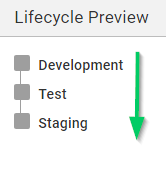
Learn more about defining a limited lifecycle for your test channel.
Step 2: Configure the tenant tags
Add a new tag called 2.x Beta to a new or existing tenant tag set.

Step 3: Select the tenants participating in the beta program
Add the 2.x Beta tag to one or more tenants who are included in the beta program
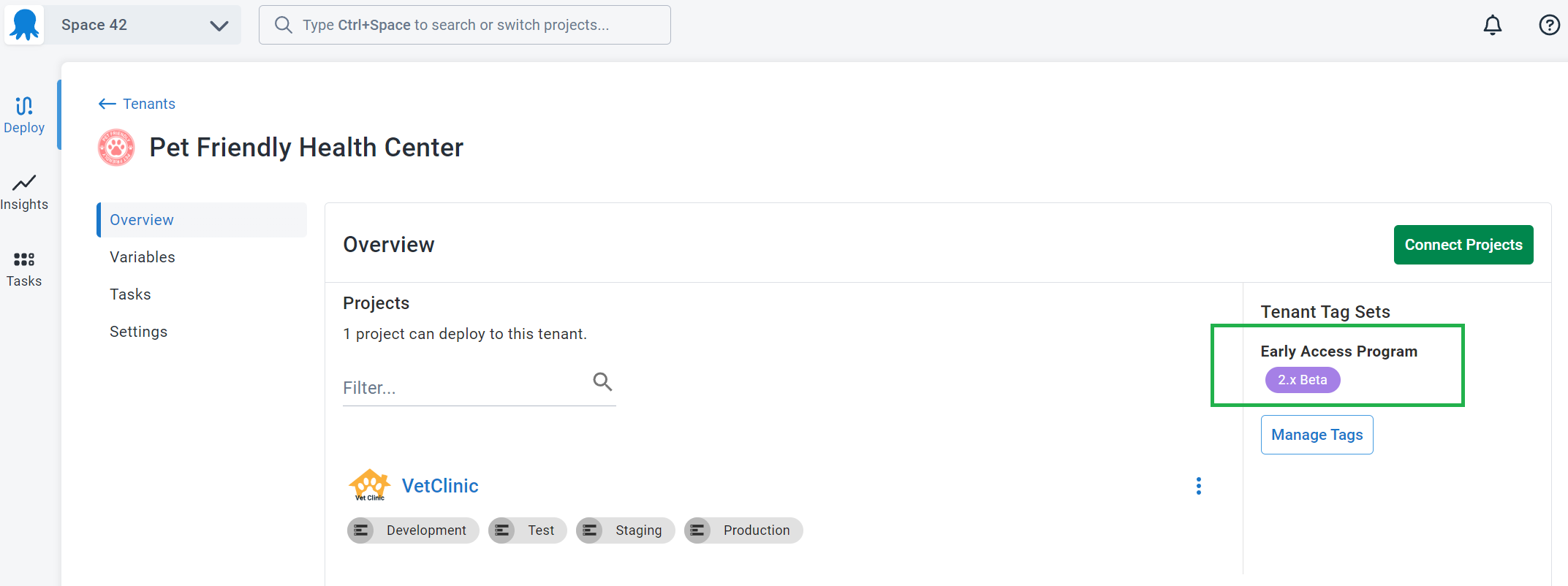
Step 4: Configure a channel for the beta program
Create a channel called 2.x Beta and restrict its use to tenants tagged with 2.x Beta
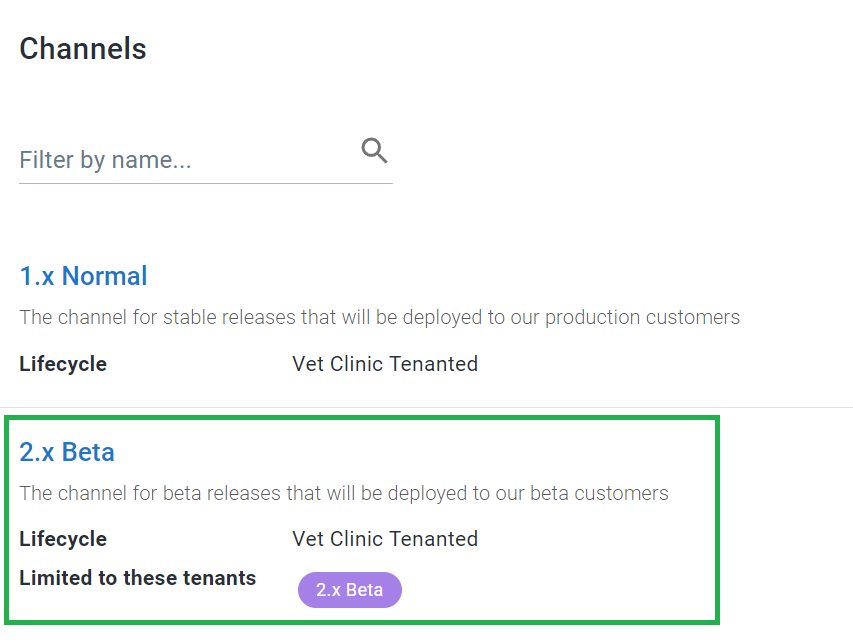
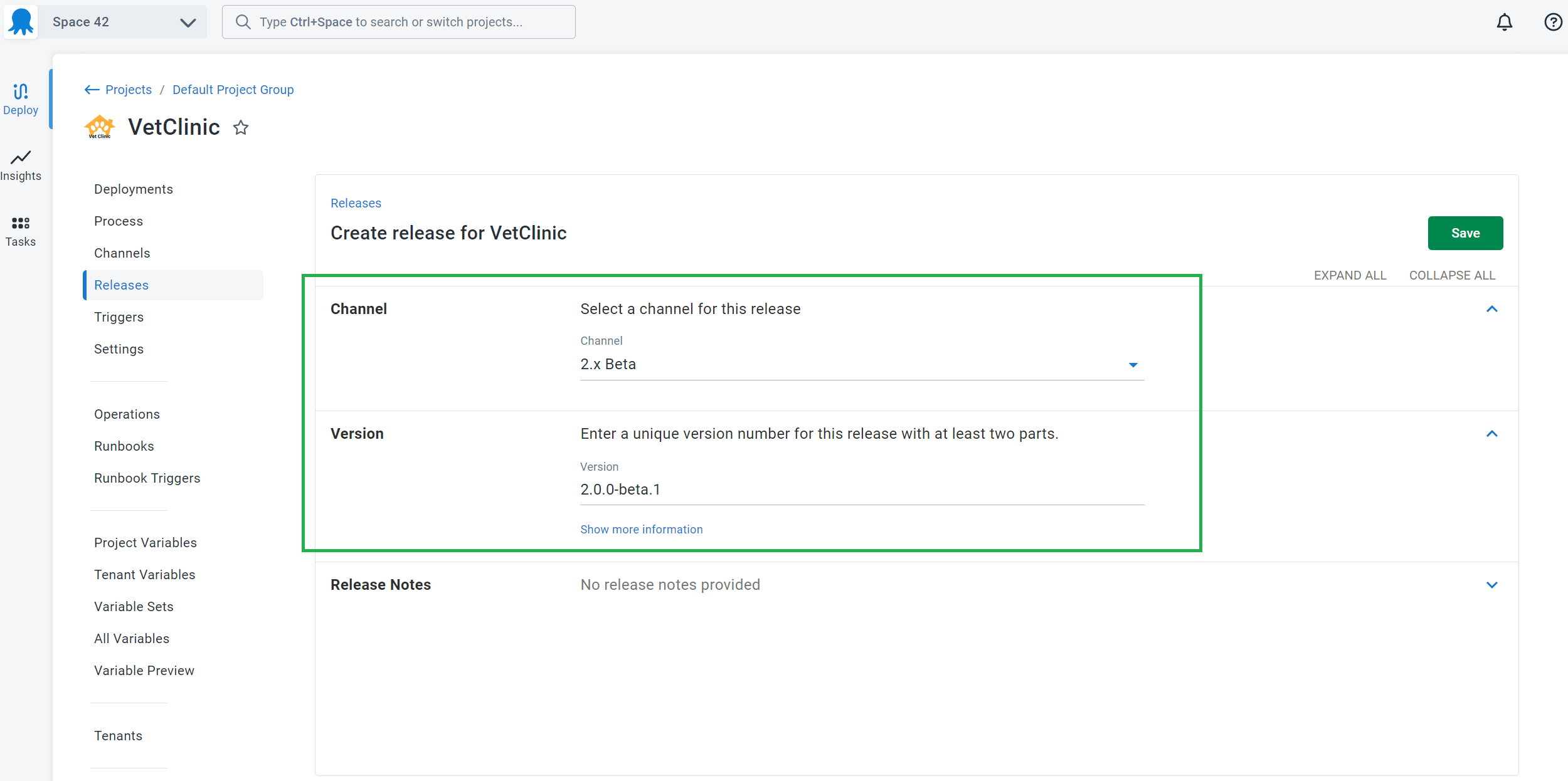
Step 5: Create a beta release
Create a new release of the project choosing the 2.x Beta channel for the release, and give it a SemVer version number like 2.0.0-beta.1
Step 6: Deploy
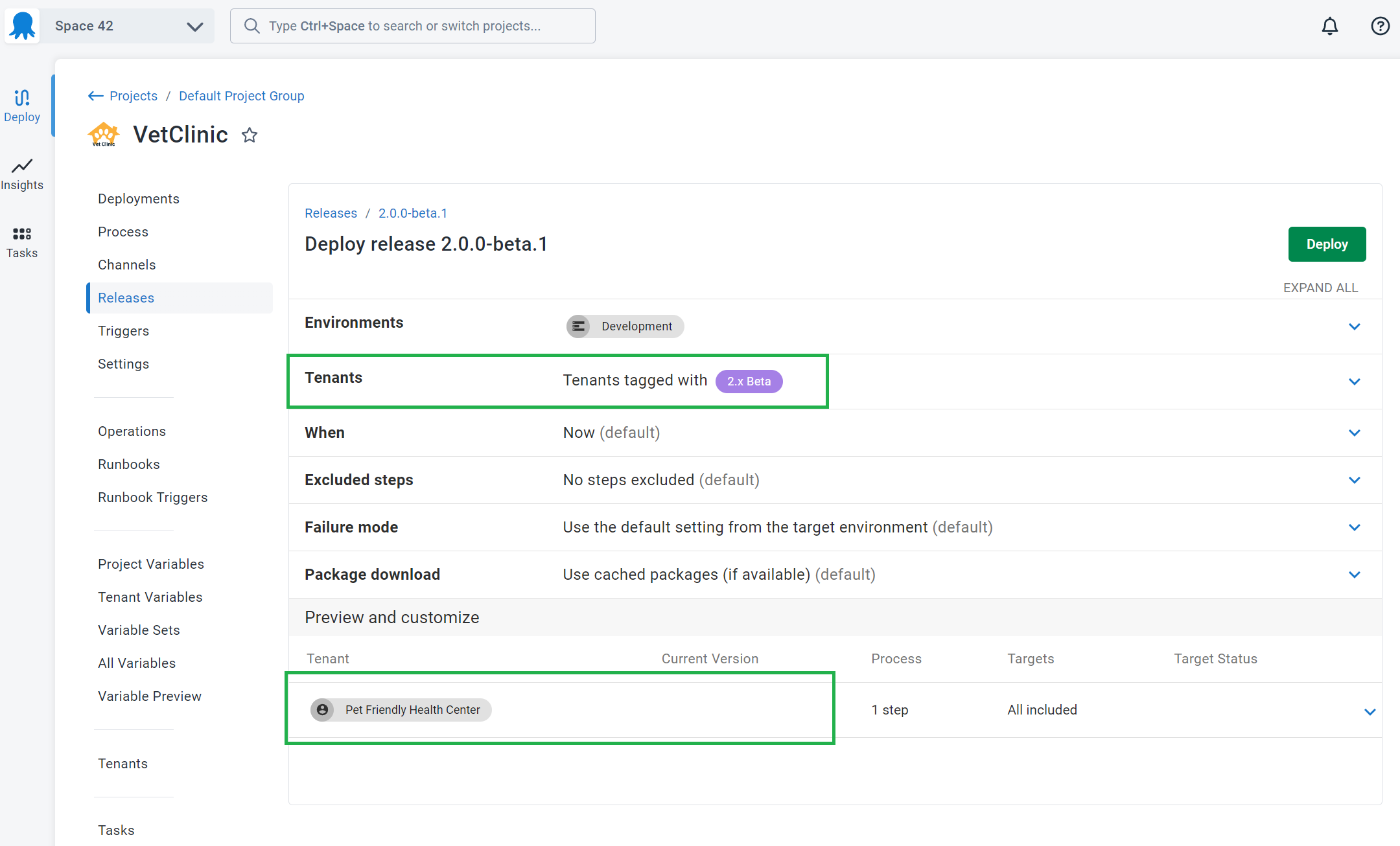
Now when you are deploying 2.0.0-beta.1, you will be able to select tenants participating in the Beta program and prevent selecting tenants who are not participating.
Restricting test releases
You may decide to use channels as a safety measure, to restrict test releases to a limited set of test tenants. By using a combination of channels and tenant tags you can make sure test releases are only deployed to the correct tenants and environments.
Step 1: Create the lifecycle
Firstly we will create a new lifecycle.
Learn more about defining a limited lifecycle for your test channel.
Step 2: Configure the tenant tags
Add a new tag called Tester to a new or existing tenant tag set.

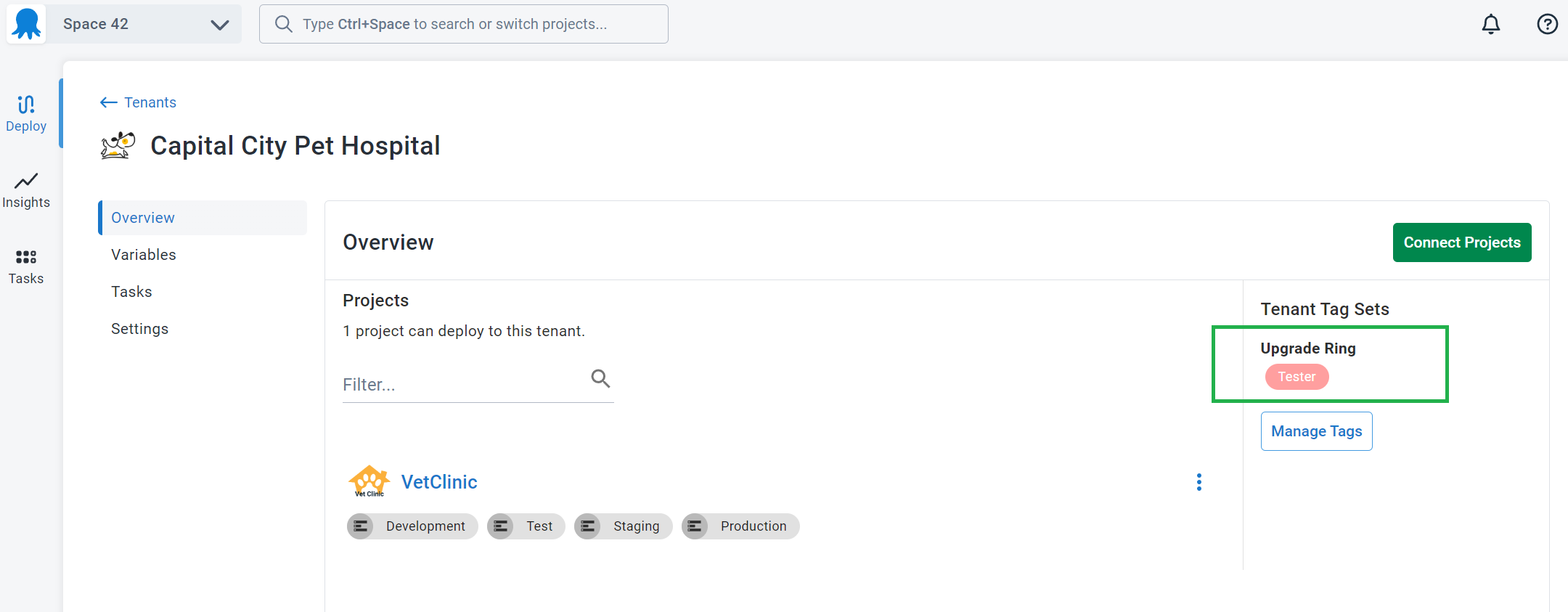
Step 3: Select the tenants participating in the test program
Add the Tester tag to one or more tenants who are included in the test program
Step 4: Configure a channel for the test program
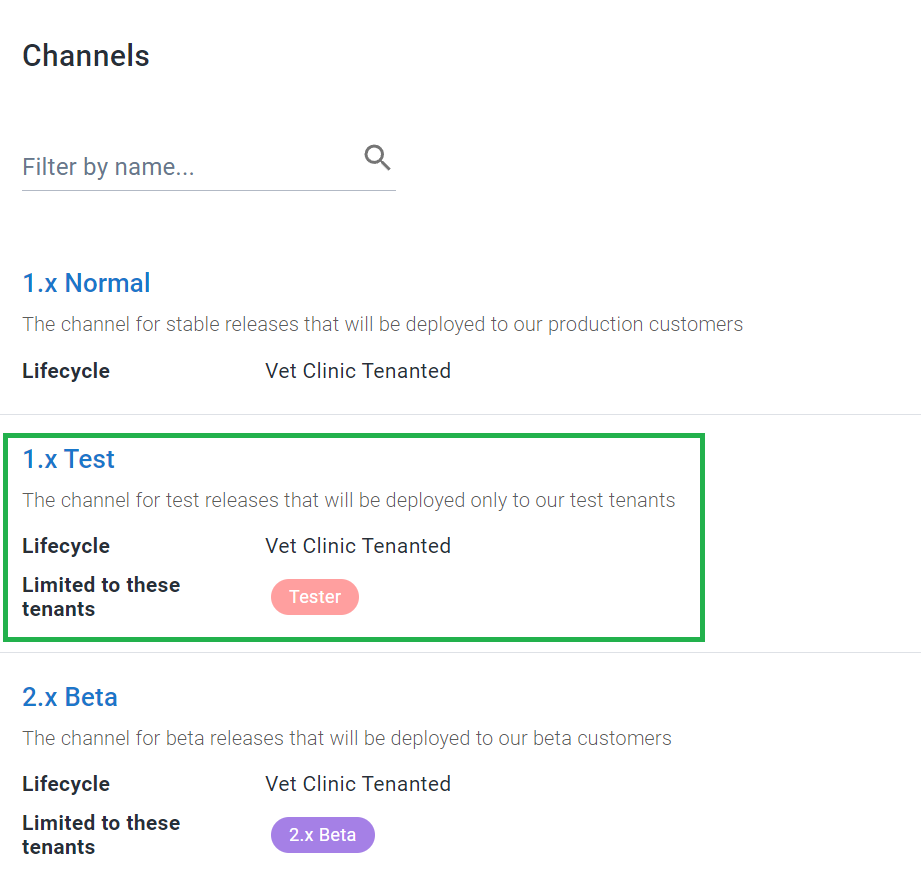
Create a channel called 1.x Test and restrict its use to tenants tagged with Tester
Step 5: Create a test release
Now create a release in the new 1.x Test channel giving it a SemVer pre-release version like 1.0.1-alpha.19 indicating this is a pre-release of 1.0.1 for testing purposes.
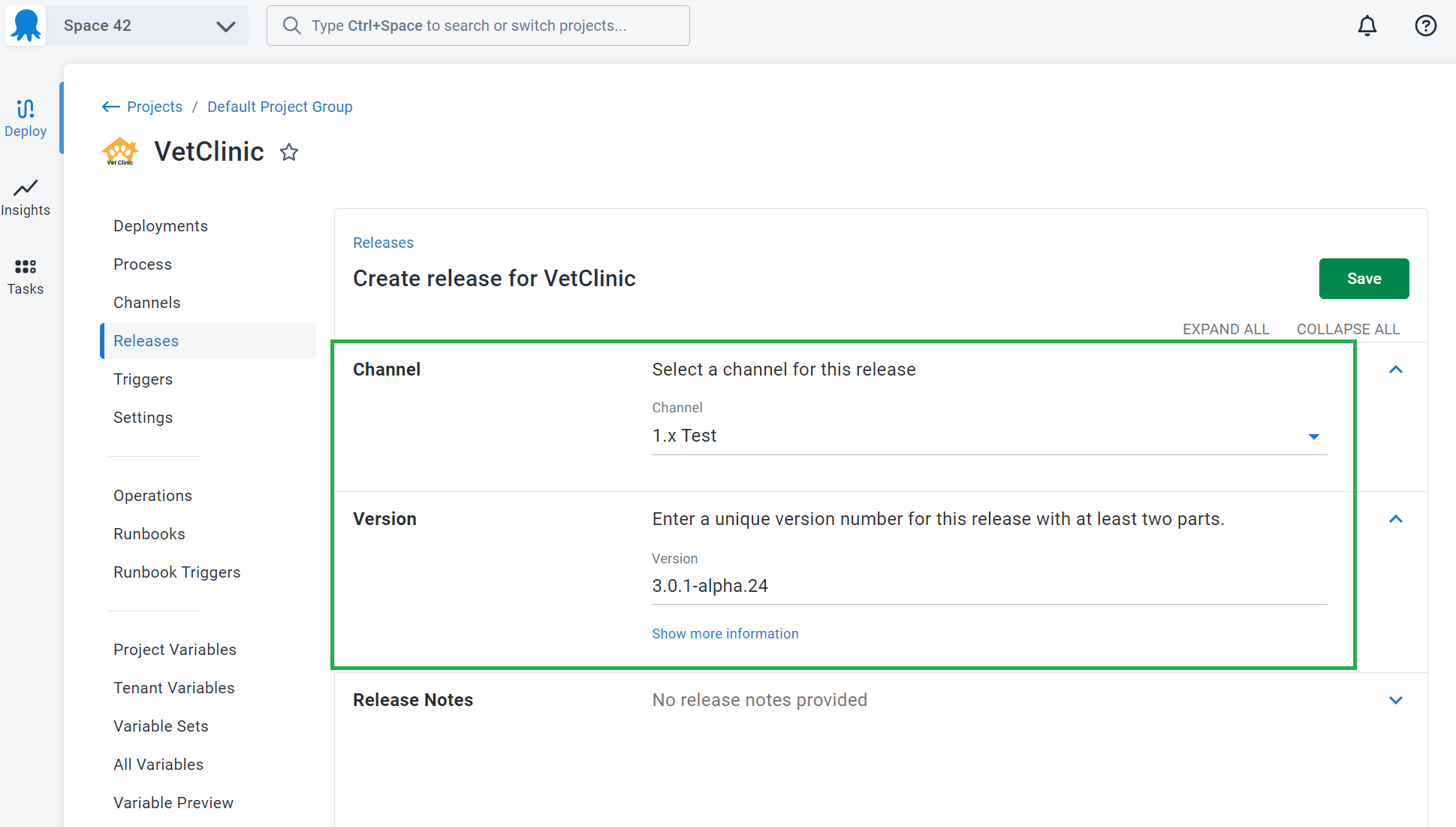
Step 6: Deploy
When you deploy this release, you will be able to choose from the limited set of tenants tagged with the Tester tag and deploy into the test environments, but no further.
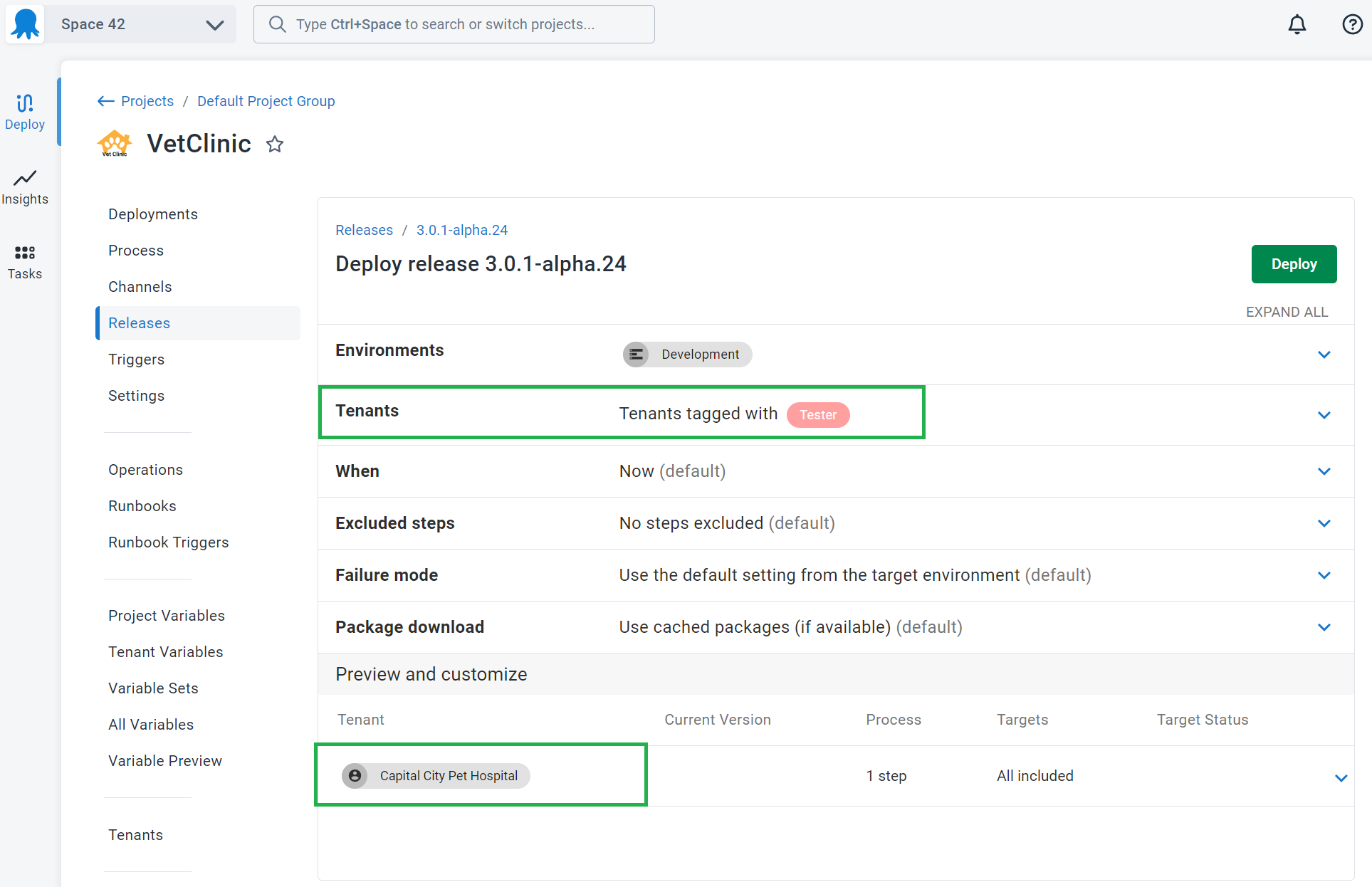
Pinning tenants to a release
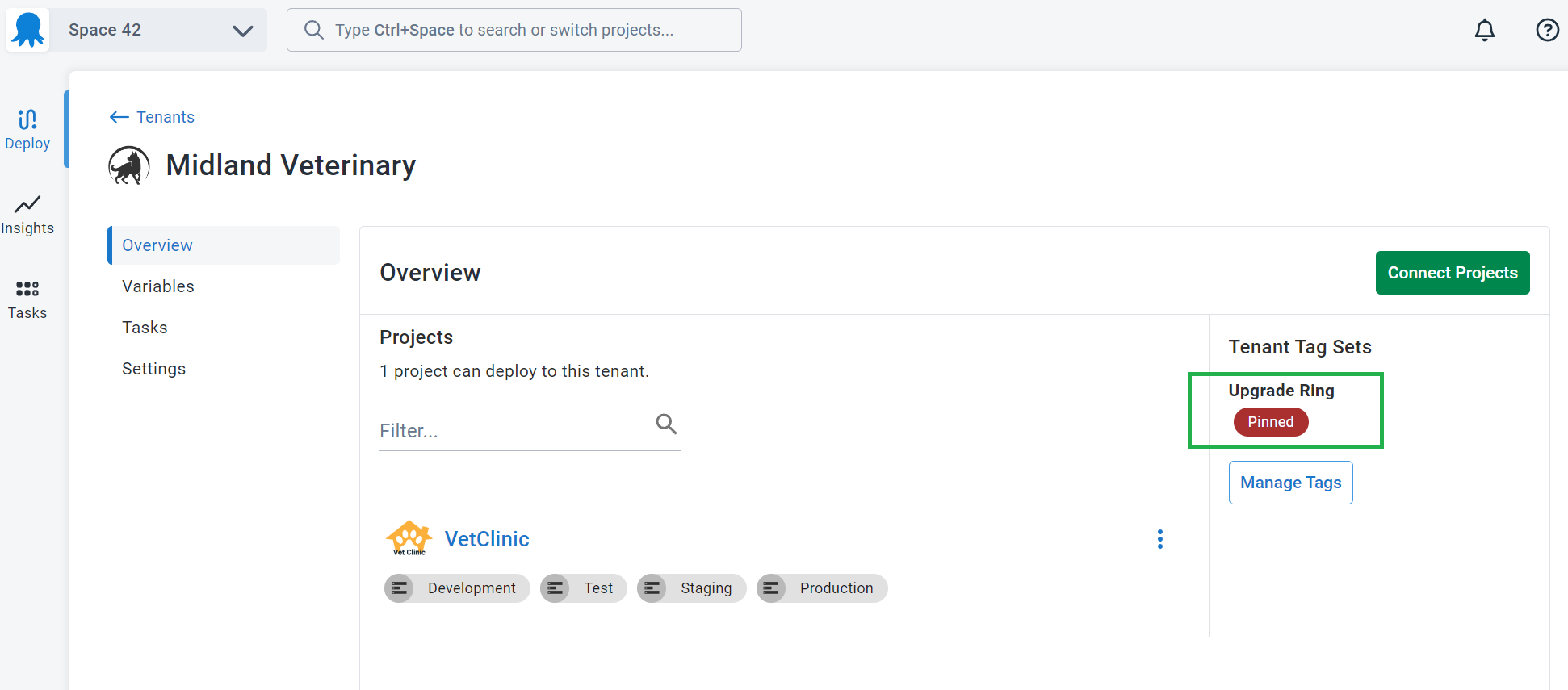
Often, you will want to disable/prevent deployments to a tenant during a period of time where the customer wants guarantees of stability. You can prevent deployments to tenants using a combination of channels and tenant tags.
Step 1: Create the upgrade ring/pinned tag
Add a new tag called Pinned to a new or existing tenant tag set with a color that stands out.
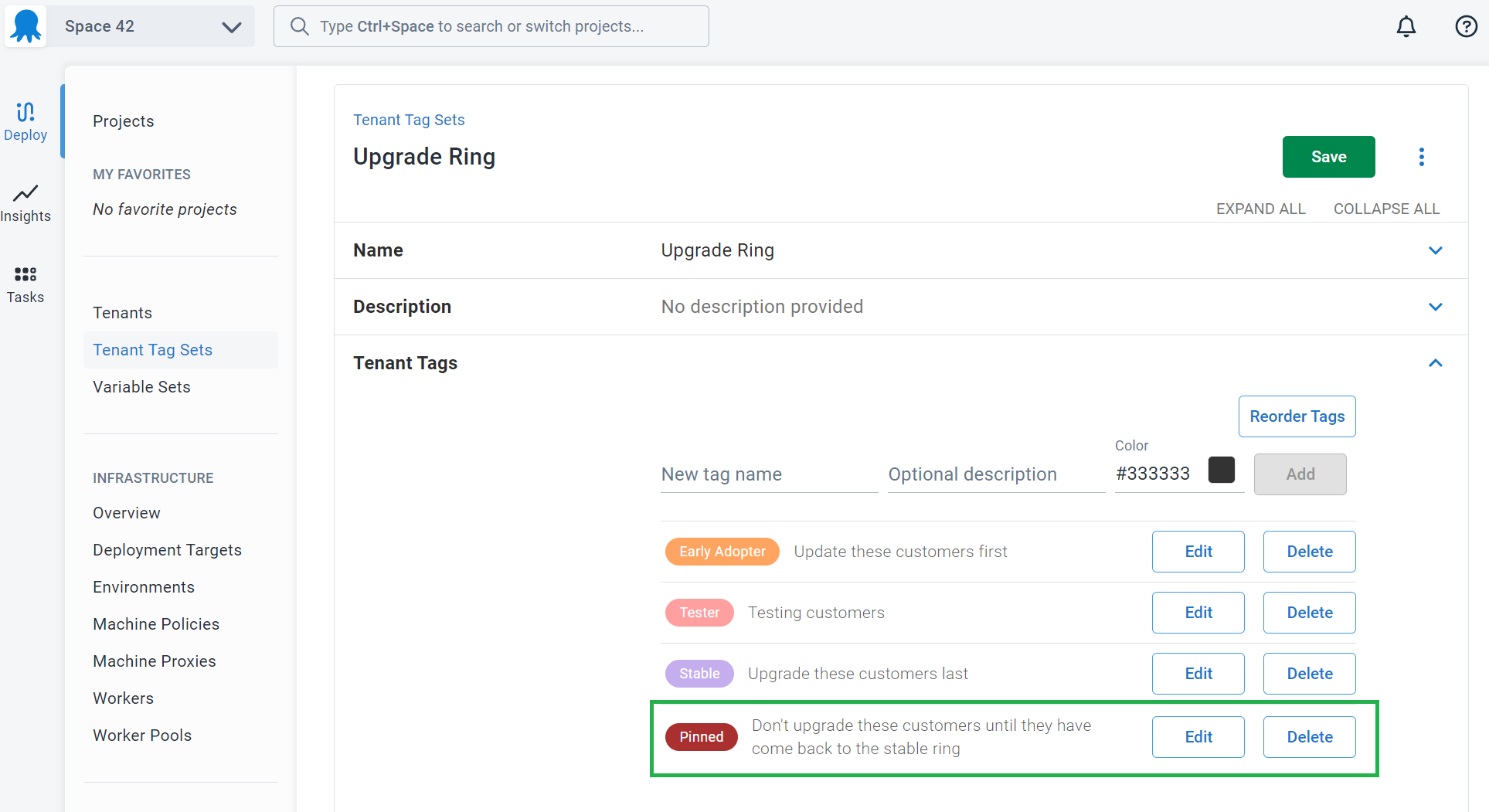
Step 2: Configure the channels to prevent deployments to pinned tenants
Now we will configure the project channels to make sure we never deploy any releases to pinned tenants. We will do this using a similar method to the EAP Beta program, but in this case, we are making sure none of the channels allow deployments to tenants tagged as pinned.
- Find the channel in your project that represents normal releases - this is called 1.x Normal in this example.
- Restrict deployments of releases in this channel to the following tenant tags:
- Early adopter
- Stable
- Tester
- Ensure the Pinned tenant tag is not selected on any channel.

Step 3: Prevent deployments to a tenant by tagging them as upgrade ring/pinned
Find a tenant you want to pin and apply the Pinned tag, removing any other tags. This will prevent you from deploying any releases to this tenant.